
WhatsApp is no longer just a messaging app for friends and family — it’s now one of the most powerful customer engagement tools for businesses worldwide.
With over 2 billion active users, and open rates as high as 98%, WhatsApp offers a direct, personal, and effective way to connect with your audience. But here’s the real game-changer: WhatsApp business chatbots.
In this complete guide, we’ll cover:
- How WhatsApp chatbots work
- Powerful use cases for small and local businesses
- Step-by-step setup process
- Growth tips to get the most out of WhatsApp automation
Let’s dive in!
📲 What Is a WhatsApp Business Chatbot?
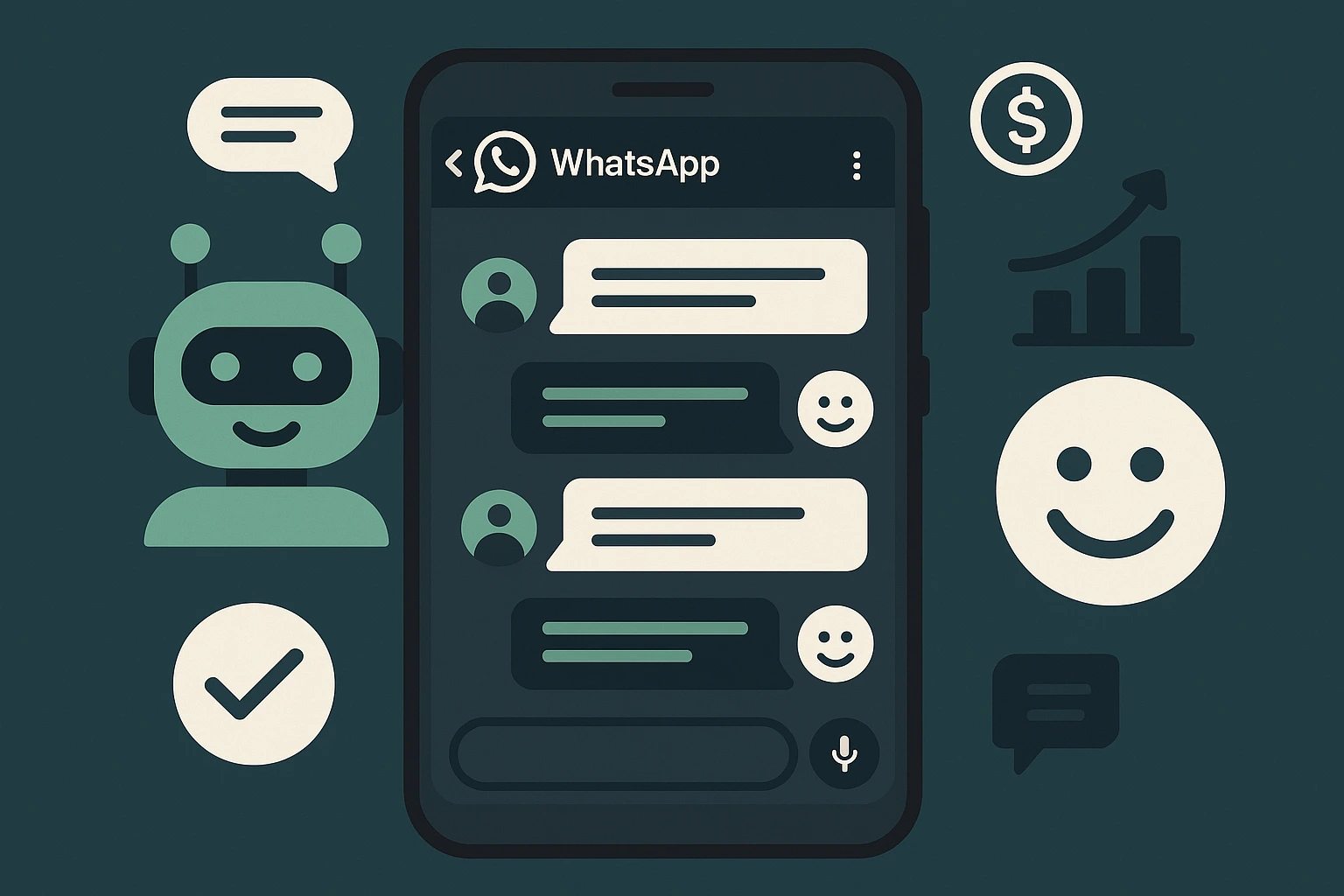
A WhatsApp chatbot is an automated conversation tool that interacts with your customers through the WhatsApp Business API.
Unlike the regular WhatsApp Business App, which needs manual replies, the API-powered chatbot:
- Works 24/7
- Sends instant replies
- Automates lead generation, support, booking, and more
- Handles thousands of chats at once
With a custom setup from AIChatbotia, you can fully automate your business on WhatsApp — even without coding or technical skills.
🤖 Top Use Cases of WhatsApp Chatbots for Businesses
Here are some high-impact ways small and local businesses are using WhatsApp automation:
1. Lead Generation & Qualification
A chatbot can start the conversation with new visitors, ask a few key questions, and send qualified leads straight to your inbox or CRM.
✅ Example:
“Hi! Want a free website quote? What’s your business name and budget range?”
2. Customer Support Automation
Handle FAQs like store hours, return policies, or order status — without needing a live team.
✅ Example:
“Your order #1024 has been shipped! Track it here: [link]”
3. Appointment Booking & Reminders
Let users choose a service, pick a time, and confirm their booking — all inside WhatsApp.
✅ Example:
“Please select your preferred service: Haircut / Facial / Massage. Then pick a date 📅”
4. Product Recommendations & Sales
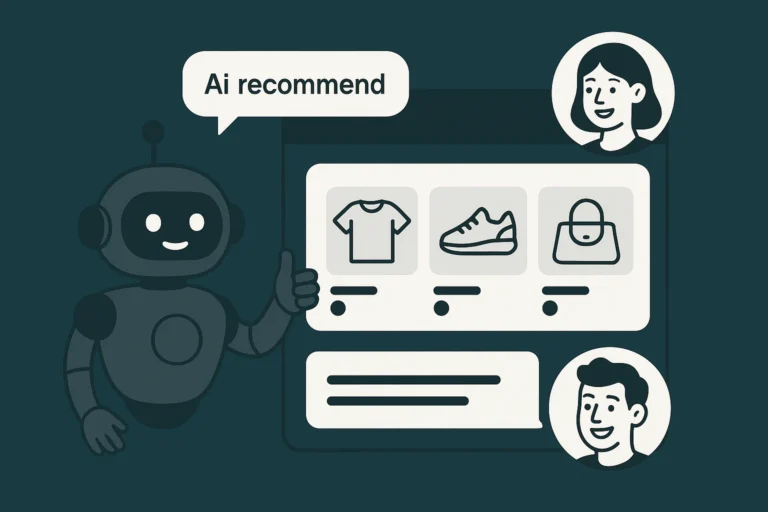
Chatbots can suggest products based on user answers and send payment links or catalog items.
✅ Example:
“We recommend this combo for dry skin. Tap below to order now!”
5. Event Registration or Feedback Collection
From workshops to webinars to post-service feedback — automate the process in seconds.
✅ Example:
“Thanks for attending! Please rate our service (1 to 5). Your feedback helps us improve 🙏”
🛠️ How to Set Up a WhatsApp Chatbot for Your Business
Here’s a simple step-by-step setup process that we follow at AIChatbotia:
✅ Step 1: Apply for WhatsApp Business API Access
To use chatbots, you need access to the WhatsApp Business API (not the basic app). You’ll need:
- A verified Facebook Business Manager ID
- A phone number not used on regular WhatsApp
- A display name for your WhatsApp Business profile
We handle this setup for all our clients.
✅ Step 2: Choose Your Chatbot Platform
We use trusted and flexible tools like:
- 360dialog or Twilio (for API hosting)
- Chatbot builders like Dialogflow, ChatGPT, or Botpress
- Integration with CRMs, Google Sheets, calendars, or websites
No need for coding. Everything is drag-and-drop or fully managed by our team.
✅ Step 3: Design the Conversation Flow
We build a chatbot that reflects your brand voice and business goals:
- Greeting message
- Options menu (e.g., Services / Pricing / Book Appointment / Talk to Human)
- Smart replies with conditional logic
- Multilingual responses (if needed)
- Human handover when required
We even include emoji, delays, and typing effects for a human-like experience.
✅ Step 4: Integrate With Your Business Tools
Want to sync leads with your CRM? Or send appointments to Google Calendar?
No problem.
We integrate your chatbot with tools like:
- HubSpot, Zoho, Pipedrive
- Calendly or TidyCal
- Shopify or WooCommerce
- Google Sheets, email tools, and more
✅ Step 5: Launch, Test, and Improve
After setup, we test every path and message. Post-launch, we monitor:
- Response rates
- Drop-offs
- Popular questions
- Customer satisfaction
With our optional monthly support, we keep optimizing your bot to perform better every month.
📈 Tips to Grow with WhatsApp Chatbots
You’ve got the bot — now here’s how to maximize its impact:
💡 Tip 1: Use Click-to-WhatsApp Ads
Run ads on Facebook and Instagram that open a chat directly on WhatsApp. Great for lead gen!
💡 Tip 2: Add a WhatsApp Button on Your Website
Simple CTA like “Chat with us on WhatsApp” increases engagement.
💡 Tip 3: Send Broadcasts (with User Opt-in)
Send updates, offers, and announcements to your subscriber list. Just follow WhatsApp’s opt-in rules.
💡 Tip 4: Combine with Website or Instagram Chatbots
Build an ecosystem — WhatsApp for support, website bot for leads, and Insta DM bot for engagement.
💡 Tip 5: Track ROI with Tags and Metrics
Know which campaigns convert, where customers drop off, and what questions repeat.
💬 Real Example: WhatsApp Bot for a Furniture Store
A U.S.-based local furniture shop used our WhatsApp bot to:
- Answer product availability
- Collect delivery details
- Send payment links
- Handle post-purchase queries
Result:
✅ 75% fewer missed messages
✅ 4x faster customer response time
✅ Boost in online orders via chat
🎯 Ready to Get Started?
We’ve helped hundreds of small businesses create high-converting WhatsApp bots — fully customized, fully managed, and ready to grow with your brand.
👉 View Plans
👉 Request Custom Quote
👉 Chat With Us
No technical skills needed — we handle it all.
Final Words: WhatsApp Bots Are the Future of Business Conversations
In 2025 and beyond, customers want fast, friendly, and personalized interactions. WhatsApp chatbots deliver all three — without needing to expand your team.
Whether you’re a service provider, local shop, eCommerce brand, or consultant — this is your chance to automate smartly and grow faster.